Here's an AMD build moment most first-timers don't see coming. You hit the power button, the fans spin, the RGB fires up, the monitor stays black and the little code on the motherboard just sits there. Usually nothing's broken. The board is training your RAM, and until now it gave you no sign it was getting anywhere.
A new beta BIOS fixes that in the simplest way possible: the code counts.
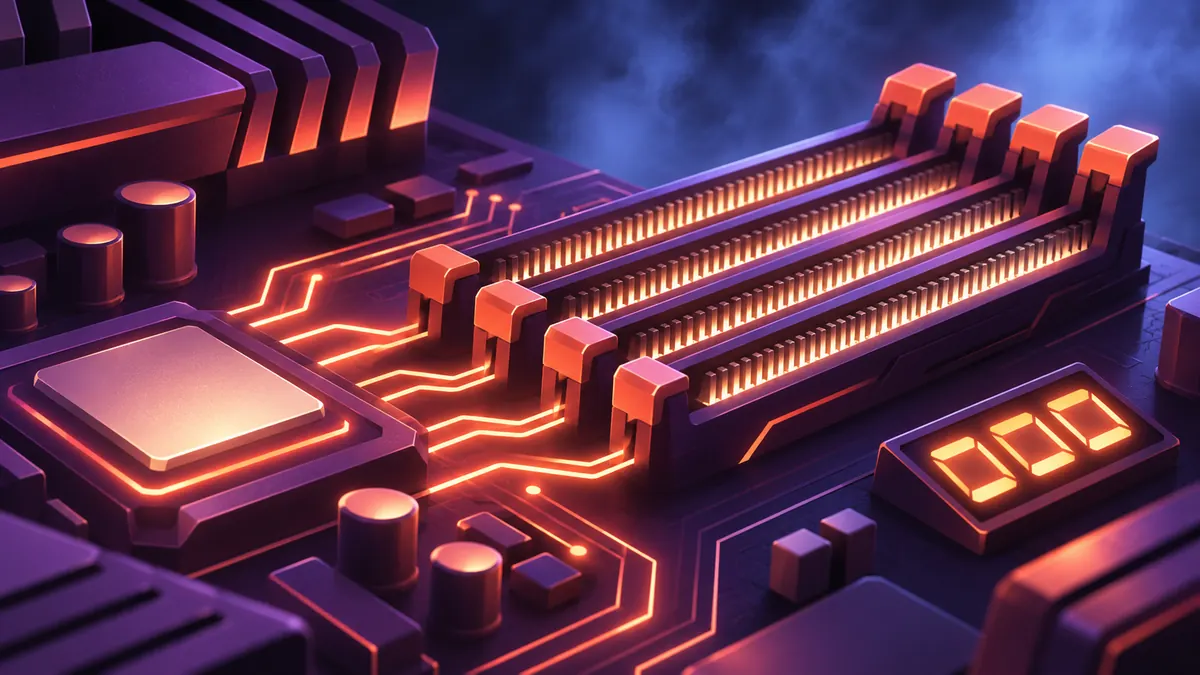
According to PC Gamer, AGESA 1.3.0.1F beta BIOS updates are out, with Asus first (spotted via Uniko's Hardware). They bring AMD's new memory training function, which uses the motherboard's debug display to show that training is still progressing. We couldn't check the original source directly, so everything below is as PC Gamer reports it.
Reading the counter
There are three things to watch for.
- It's moving: the code ticks from 00 to 09, then carries on through 0a, 0b, 0c and so on. PC Gamer says that means the board is working through training and isn't stuck.
- It stops: this is the real payoff. PC Gamer's Dave James says you'll see straight away if training has stalled, instead of waiting around for 15 minutes before deciding something's wrong.
- The monitor stays dark: that part hasn't changed. Training finishes well before the system gets around to turning on the GPU, so the debug display is still the only thing worth watching.
James is careful not to oversell it. He does say that when you're waiting on memory training, it's "real nice to at least have a readout to indicate that it is progressing and your PC hasn't just hung."
Check the version number first
This is beta firmware, so version numbers matter. James says his current official BIOS is AGESA 1.3.0.1d. To try the feature, he flashed the 1.3.0.1f Patch A BIOS from the ROG forums onto an Asus Crosshair X870E Hero running 64GB of DDR5-6000 and a Ryzen 9 9950X. He reports that the counter went all the way up to 11 before training finished and the board rebooted normally.
So this is one board and one kit. It shows the counter working, but it doesn't tell you how high the count will go on your system.
Why a static code looked like a dead build
James calls the old experience "pretty damned opaque". The fans spun and the lights came on, but the monitor showed nothing and the debug display held a static figure. His would sit on '15' "for an age".
You could look up that code and find out the system was just having a long think about its memory. If you didn't know that was a thing, he says, it could feel like your rig was bricked.
What the board is actually doing
Memory training is your system working out the timings and power settings it needs to run your RAM at its preferred speed. PC Gamer explains that it runs through voltage and timing combinations, validates them against test patterns, then saves its best profile so the PC can boot reliably at your memory's rated speed.
Training kicks in on your first boot, when you swap RAM, when you change anything memory-related in the BIOS, or sometimes just because your PC fancies doing it again. It doesn't happen often, but it's slow when it does. On AMD boards, that's why the first boot and a memory swap take longer than usual.
Intel owners can sit this one out. PC Gamer says Intel boards call the process memory refurbishment, and it's a bit more invisible because it runs in the background.
Should you flash it?
Probably not yet. James calls it a pretty small thing for AMD users only, and minor news at a time when, in his words, "doing anything to the memory in your rig is almost wishful thinking today". Still, as an AMD CPU user, he calls it a wee quality-of-life upgrade he's "certainly here for".
He's also clear that beta BIOS updates carry risks you probably don't need to take just for this feature. If your rig is running fine, he suggests sticking with the latest non-beta release. With other motherboard makers expected to follow Asus soon enough, the counter should be easier to get without beta risk before long.
Jax's take: This should have been standard years ago. A code that never moves makes people panic, and you can't fix that with a forum thread. Seasoned builders know to look the code up. First-time builders don't, and they're the ones staring at a black screen wondering whether they've just cooked a very expensive pile of parts. A number that keeps climbing answers that question before the panic sets in.
Reporting notes