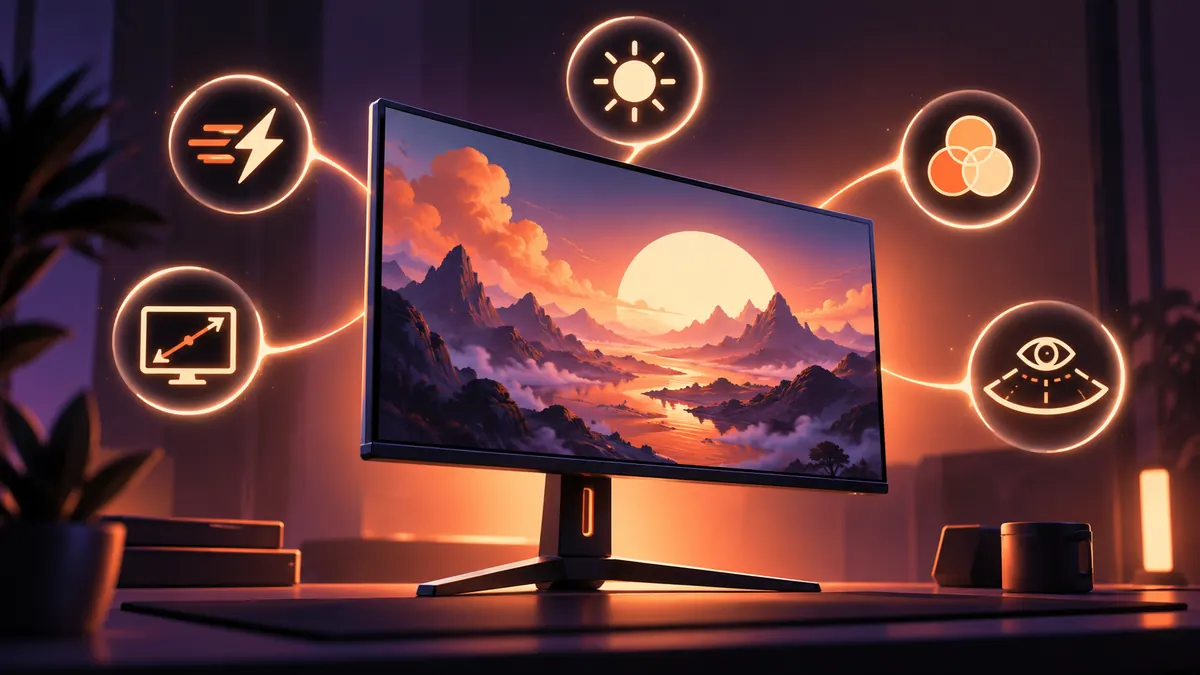
Buying a gaming monitor gets messy because the spec sheet invites you to chase the biggest number in every row. A better approach is to work backwards from the games and hardware you actually use, then check five things: resolution, refresh rate and VRR, real response behaviour, HDR capability, and connection bandwidth.
No single combination is right for everyone. A competitive player chasing very high frame rates has different priorities from someone playing slower single-player games at 4K. The useful monitor is the one your GPU or console can feed consistently, not the one with the most impressive headline number.
That makes the first question simple: what resolution and frame-rate range does your system realistically target in the games you care about?
Match resolution and refresh rate to the machine
Higher resolution increases image detail, but it also asks the GPU to render more pixels every frame. If your hardware struggles to reach the monitor's native resolution at the frame rates you want, a giant refresh-rate figure on the box will not create those frames for you.
Refresh rate is still important. A 144 Hz display can present new frames much more frequently than a 60 Hz display, and higher rates can reduce the time between updates. But the benefit depends on the game actually running fast enough to use that headroom.
Variable refresh rate is the companion feature worth checking rather than assuming. NVIDIA describes G-SYNC and G-SYNC Compatible displays as matching the monitor's refresh behaviour to GPU output to reduce tearing and stutter. The practical detail is the VRR range: a monitor may support variable refresh only between particular frame rates, so check the range and the compatibility certification that matters for your GPU or console.
Do not treat a logo as a substitute for the full specification. Confirm which input ports support the monitor's maximum resolution, refresh rate and VRR combination.
Response time and HDR need more than one marketing number
Advertised pixel-response figures can be useful, but they are not the same thing as total input latency, and a single best-case millisecond figure does not describe every colour transition. Independent reviews that measure overshoot, ghosting and response behaviour across multiple refresh rates are more useful than assuming the smallest number on a box tells the whole story.
Tom's Hardware's current gaming-monitor guidance makes the same broader point: panel type, refresh rate, response behaviour, contrast and brightness all trade against each other. OLED can deliver excellent contrast and fast pixel transitions, for example, while IPS and VA displays have their own strengths and weaknesses. There is no need to turn panel technology into a tribal identity.
HDR is another place where the label alone is not enough. Look for meaningful peak brightness, contrast and local dimming behaviour rather than assuming that any screen able to accept an HDR signal will produce a dramatic HDR image. A certification such as VESA DisplayHDR can provide a baseline, but reviews still matter because real scenes involve more than a single peak-brightness measurement.
Finally, check the ports against the mode you intend to use. High-resolution, high-refresh combinations require enough HDMI or DisplayPort bandwidth, and some monitors only expose their maximum mode through a particular input or compression method.
The decision framework is therefore less glamorous than chasing a 500 Hz sticker, but more useful: choose the resolution your system can drive, buy enough refresh-rate headroom for your games, verify VRR compatibility and range, check measured response behaviour, demand credible HDR hardware if HDR matters, and confirm the ports can carry the mode you expect. Those five checks eliminate a lot of expensive surprises before the monitor reaches the desk.
Reporting notes