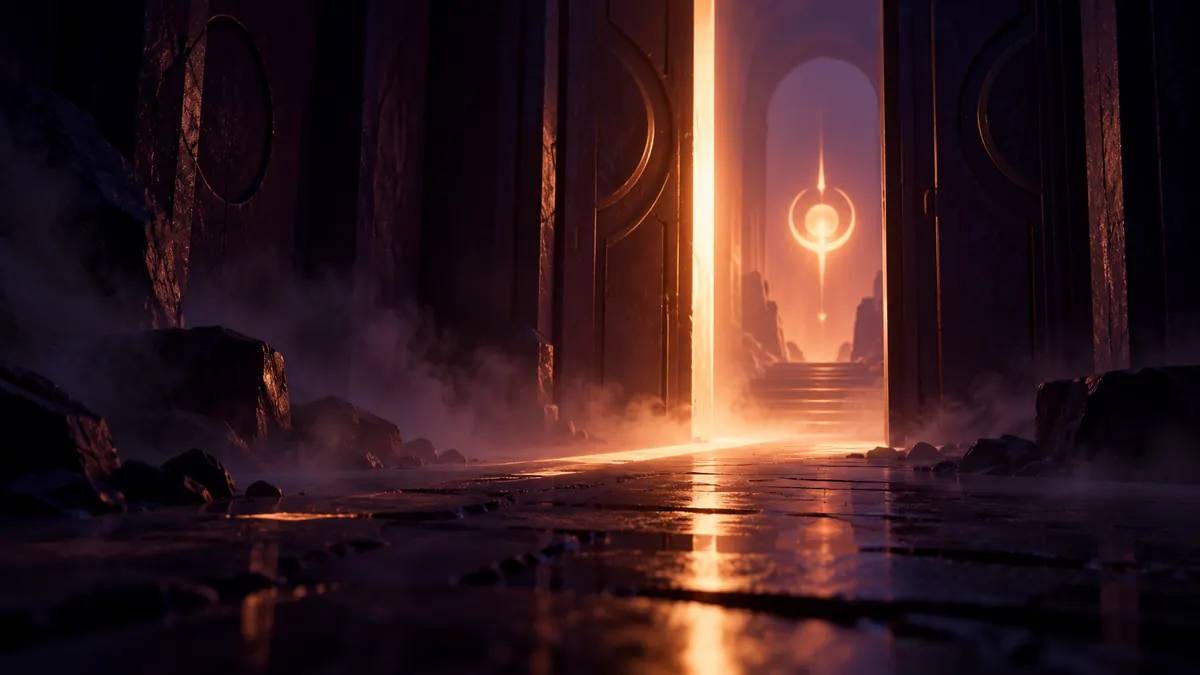
You've seen it a hundred times. Before a horror game lets you anywhere near its first dark corridor, it shows you a few symbols on a black background and asks you to move a slider until one of them "can't be seen or can barely be seen," as PC Gamer's Christopher Livingston described it. It looks like a formality. It's actually the game trying to solve a real problem: no two screens show darkness the same way.
What the screen is really doing
That faint logo sits just above pure black. When you drag the slider until it's barely visible, you're telling the game where your display stops showing shadow detail. Set it too dark and anything in the shadows disappears completely. Set it too bright and the blacks turn into a murky grey that kills the mood.
Livingston put the developer's intent bluntly: the game is "basically saying, hey, we're gonna hide some very scary things in the dark, and you're going to help us do it." The calibration step makes sure the game's darkest scenes land the way the designers intended, whether you're on an old monitor, a bright TV or a laptop.
When it goes wrong, it goes really wrong
The best evidence for why this matters comes from people who've been burned by it. PC Gamer's Jarred Walton remembered Doom 3 in 2004 being "horribly, unplayably dark." He walked off unseen ledges and died repeatedly, and adjusting brightness didn't fix it. Months later he swapped his aging 21-inch CRT for a new LCD, and "all the 'too dark to play' problems" turned out to be the monitor. Same game, same settings, completely different experience.
It can go wrong the other way too. PC Gamer's Andy Chalk misread Control's brightness instructions and made the wrong triangle invisible. He spent a few hours bumping into things before discovering the screen actually showed three triangles, not two. The lesson: read the instructions carefully, because which symbol is meant to vanish matters.
And plenty of players quietly cheat. Several of PC Gamer's writers admitted to setting the slider "a smidgen brighter" or "a wee bit higher" than recommended, trading a little atmosphere for not walking face-first into walls. That's a perfectly reasonable choice, especially when a game's darkness is hurting more than it's helping.
The modern version: HDR calibration
HDR displays take the same idea further, because they can get much brighter than older screens as well as darker. Microsoft's Windows HDR Calibration app is the barely-visible logo trick for a whole system. You run three test patterns and, in Microsoft's words, "drag the slider until the test pattern is no longer visible on each screen." Microsoft says the patterns set the darkest visible details, the brightest visible details and your display's maximum brightness, which Windows then uses for HDR content.
The app needs Windows 11, an HDR-capable display with HDR turned on, and the app running full screen, according to Microsoft.
So next time a game asks you to make a logo barely visible, it's worth the ten seconds. That little slider is what stands between the game the developers made and a murky grey mess on your screen.
Reporting notes