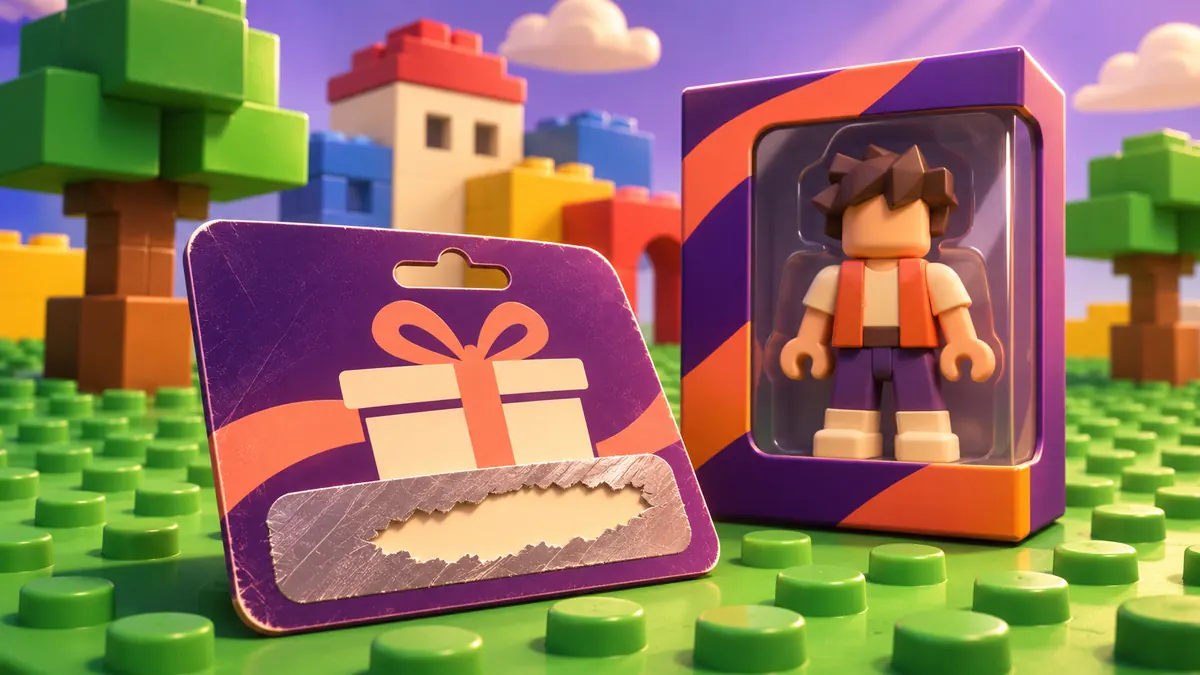
Roblox players usually come across three kinds of code: codes for a single game, Roblox gift cards (and promotional codes), and codes for virtual items that come with toys or offers. Each kind unlocks something different and is entered in a different place.
Quick guide
- A short word or phrase from a game's code list, such as "GemsUpdate": this is an in-game code. Enter it inside that game.
- A Roblox gift card or promotional code: enter it at roblox.com/redeem. It adds credit or an item to your account.
- A code from a toy package or an offer such as Prime Gaming or Verizon: enter it on Roblox's Code Redemption page. You get a virtual item in your Inventory.
1. In-game codes
Many Roblox games release their own codes. These give rewards that work only in that game, such as in-game currency or items. Sites like Pocket Gamer keep monthly lists of them. These codes are redeemed inside the game, and each game puts its code box in a different place.
Two examples from Pocket Gamer's November 2026 lists:
- Dueling Grounds. Pocket Gamer lists NightOfHallows (500 coins, 100 gems) and GemsUpdate (1,000 coins, 100 gems) as active. To redeem one, launch the game, click Rewards (a button with a star icon on the left side of the screen) and enter the code in the Special Codes section. The coins and gems are spent in the in-game shop on more weapons.
- Plants Vs Brainrots. Open the Shop on the left side of the screen, go to the Rewards tab, select Codes, type in the code and hit Claim. Pocket Gamer lists rewards such as a Lucky Potion, a Frost Grenade and $5,000 of in-game cash.
These codes expire. Pocket Gamer's Dueling Grounds list includes more expired codes than active ones. New codes are usually posted on a game's official Discord server or on its Roblox page.
2. Gift cards and promotional codes
Roblox gift cards and promotional codes add value or an item to your Roblox account itself. According to Roblox Support, Amazon Gift Cards and Party Packs Gift Cards can be redeemed for Robux only, not for Roblox Credit.
To redeem in a web browser:
- Go to roblox.com/redeem.
- Log in to your Roblox account.
- Enter your code in the text box.
- Click Redeem. A confirmation message appears once the credit or item has been added.
On Samsung Galaxy: open the Roblox app, go to the More page, tap the Redeem tile and enter the code.
You can't redeem codes in most standard mobile apps or on consoles. Roblox says to use a web browser. Samsung Galaxy and iOS users in the U.S. can also redeem in the Roblox mobile app.
If you get an error, a letter may have been read as a number. Roblox suggests trying these swaps:
- 0 (zero) → O
- 1 (one) → I (capital i)
- 2 → Z
- 5 → S
- 6 → G or Q
- 8 → B
Other points from Roblox Support:
- All Roblox codes can be redeemed in any country. The value converts to your account's local currency automatically. Details are at roblox.com/giftcardterms.
- You can redeem as many cards as you like, but you have to enter them one at a time.
- Roblox does not refund gift cards.
- Digital gift cards bought at roblox.com/shopgiftcards are sold through Roblox's partner, CashStar. Questions about those purchases go to CashStar's customer support form.
- If you were promised a gift code with a purchase from another retailer, Roblox does not issue or reissue it. Contact the retailer.
If a card still won't redeem, Roblox support asks for details including your username, the purchase date and amount, where you bought it, the gift card PIN and serial number, and pictures of the receipt and the card. Pictures must be .jpg or .png files.
3. Toy and virtual item codes
These codes unlock one virtual item, such as a hat, backpack, head or accessory, for your avatar.
Where to find the code:
- Jazwares action figures: look on the front of the package. The code is on a token or on a code card stuck inside the plastic packaging.
- Roblox Approved Merchandiser Program products: these have the program's badge. The packaging or hang tag shows where the code card is. Follow the redemption steps printed on the card.
- Other virtual item codes (for example, from Prime Gaming or Verizon): follow the steps below.
To redeem:
- For a physical card, gently scratch off the covering if the code is hidden. Skip this step for digital codes.
- Log in to the Roblox account you want the item on.
- Go to the Code Redemption page.
- Enter your code and select Redeem.
- Find the item in your Inventory under its category, such as hat, backpack, head or accessories.
Limits: each account can redeem a code for a given item only once. If your account already has the item, you can give the code to another player. Items from these codes can't be traded or sold.
Reporting notes